
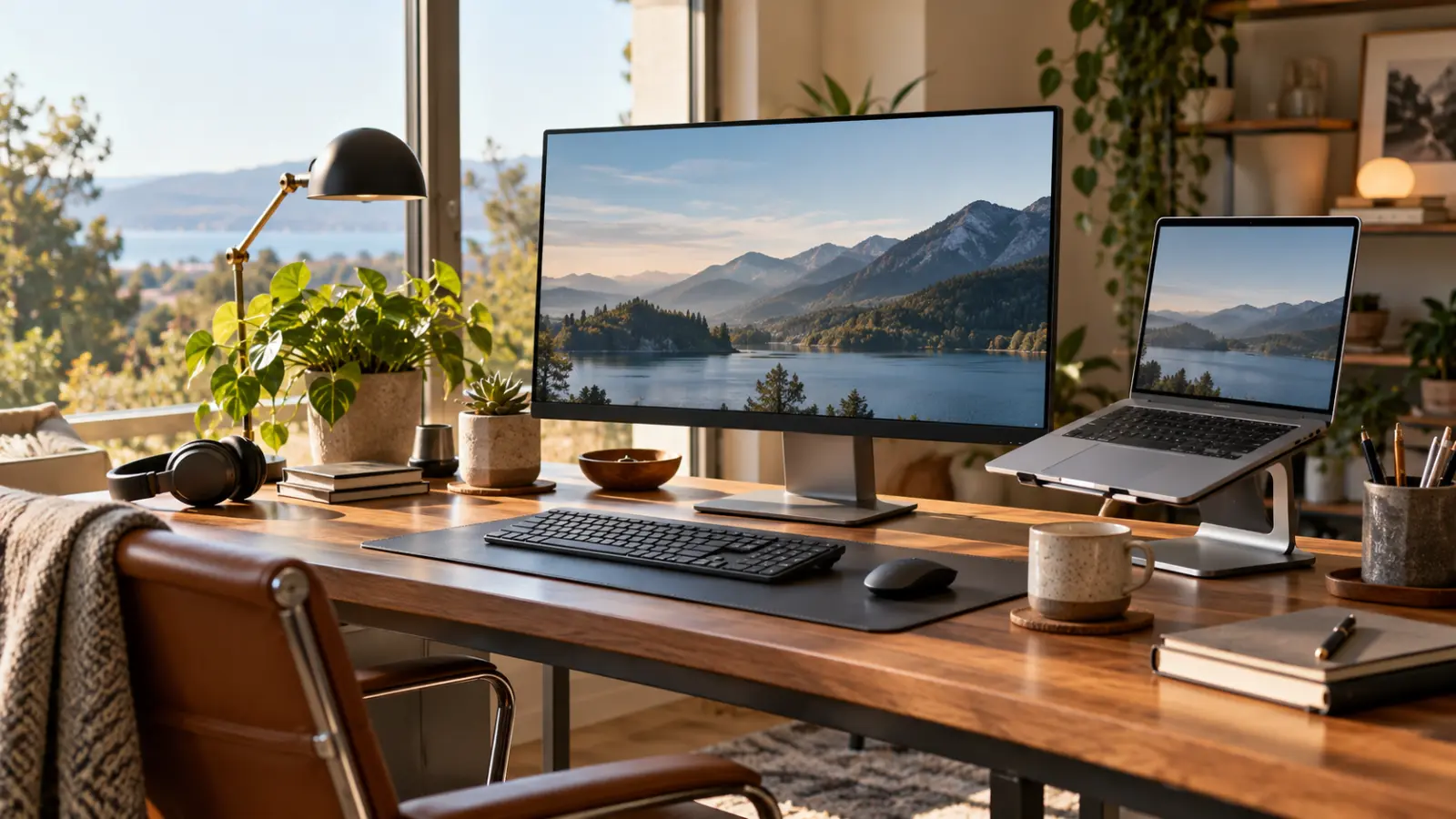
Build a workstation that fits your equipment and work
A workstation is a combination of equipment and working conditions. A good monitor does not solve a cramped desk, and a docking station is not useful if it cannot support the connections you need. Plan the setup as a whole rather than collecting accessories one at a time.
Start with the task and the space
Describe whether you mostly write, compare documents, work with visual detail or move between calls and other applications. Measure the usable desk area, including the room needed for papers and ordinary movement. Think about the position of windows and possible reflections.
HSE's workstation guidance considers equipment, furniture, work and individual requirements together. That approach is more useful than assuming one arrangement suits everyone. Where an organisation provides an assessment process, use it and raise persistent discomfort with the appropriate responsible person.
Check the entire connection chain
Write down the laptop model and the displays and accessories you need to connect. Compare the relevant manufacturer specifications for the computer, dock, cable and monitor. A connector's shape alone does not establish supported display functions, charging or data performance.
Ask a supplier to confirm the intended combination, especially for several displays or a specialist application. Check whether extra software, an adapter or a particular power supply is required. Keep the confirmation with the equipment details for future support.
Try the controls and layout
A keyboard or pointing device should be assessed through the work you actually do. Try a representative period of use where possible, rather than deciding only from a photograph. Consider how easily you can move items and adjust the setup.
Place frequently used items where they can be reached comfortably and follow appropriate workstation-assessment advice. Avoid inventing a universal measurement from somebody else's desk. Shared workstations need an arrangement that can be adjusted for different users.
Test the ordinary transitions
Check waking from sleep, joining a call, reconnecting the laptop and moving between office and travel use. Confirm that the expected camera, microphone and display are selected. These transitions can reveal a mismatch not visible during a simple screen demonstration.
Keep the final setup notes short: equipment, connections, adjustment instructions and support contact. A useful workstation should make routine work easier to begin and continue, with fewer assumptions about how the pieces fit together.
Sources: Health and Safety Executive: Working safely with display screen equipment, Workstations and assessment.